
ORISTRAT AI / DOWNLOADS
Oristrat AI STEM
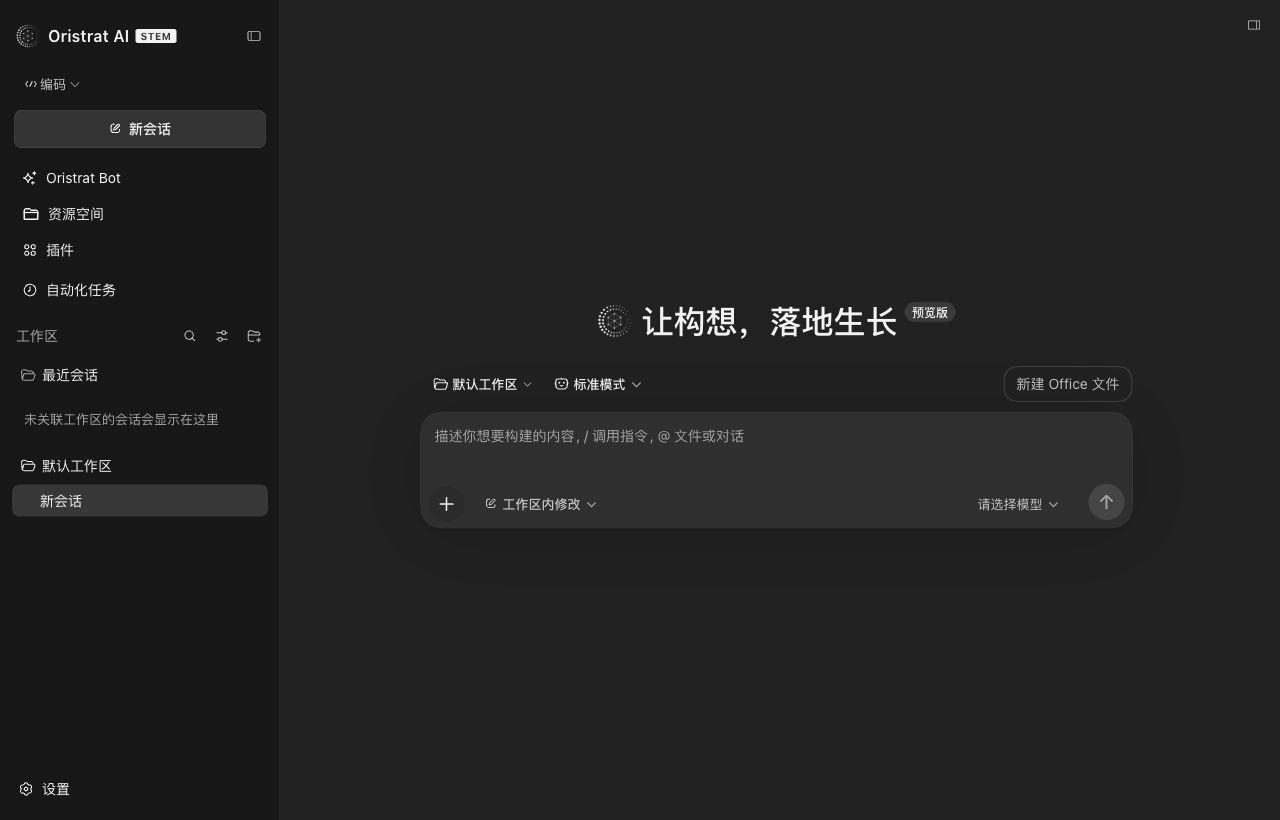
A familiar conversation interface to bring ideas to life. Explore the client, then find the version for your device.

Choose your system
01A new beginning is on its way.
This installer has not been released yet. Download it here when it becomes available.
02 / Before you begin
Get to know what comes next.
Product guides and technical resources, within reach.
Before you download
How do I find my Mac's chip type?
Open the Apple menu and choose About This Mac. For an Apple M-series chip, choose Apple silicon. For an Intel processor, choose Intel. This page detects your operating system, not your chip architecture.
Why is a download unavailable?
Versions marked Coming soon do not have a published installer yet. Explore the documentation in the meantime. Download links and version information will be updated when a release is available.
Which devices will the HarmonyOS preview support?
The HarmonyOS preview is in preparation. Supported devices, system requirements and installers have not been announced. Release details will be updated here when it opens.
What should I check before installing?
Match the operating system and architecture to your device, then check the published system requirements. Compatibility is not confirmed for unreleased versions.